
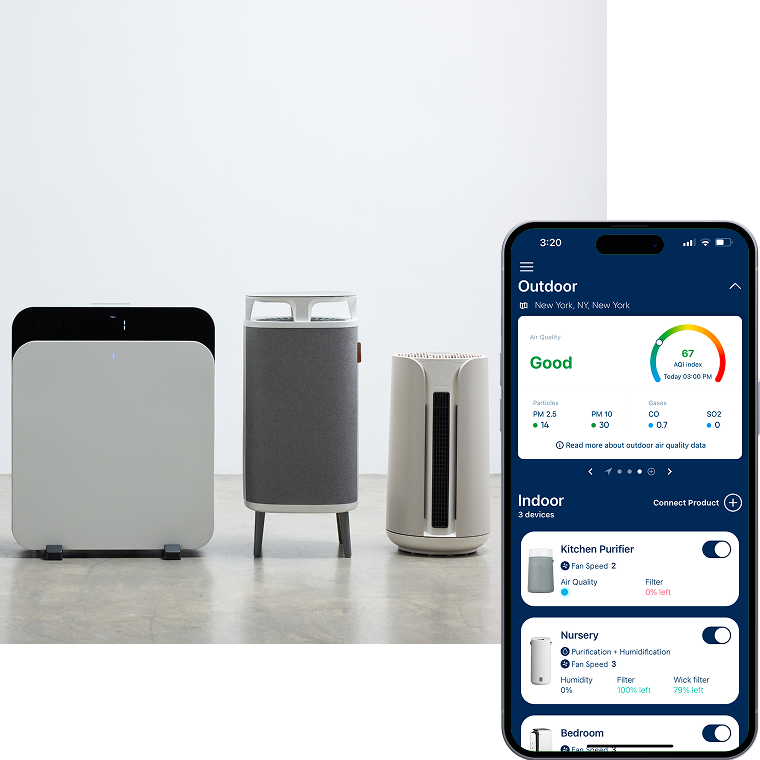
Easily control all your devices in one spot
Monitor air quality in every room and adjust settings for multiple devices at once, all from our homepage.

Discover the Blueair app
Tap below to download the Blueair app


Easily control all your devices in one spot
Monitor air quality in every room and adjust settings for multiple devices at once, all from our homepage.
Build schedules to
fit your lifestyle
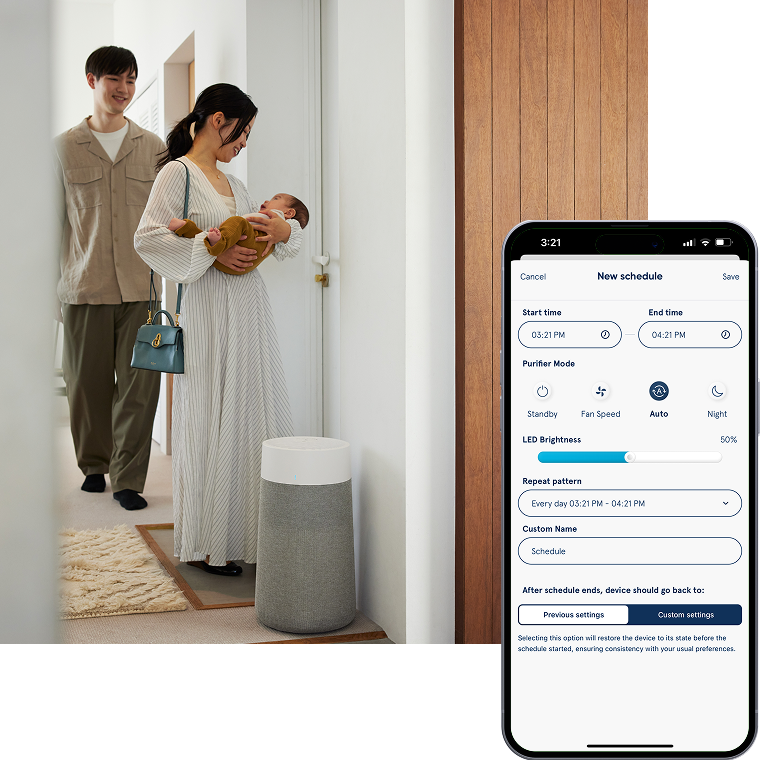
'Welcome Home' technology puts your air purifier on standby when you head out and then refreshes the air as you return.
Want more control? Manually set schedules that fit your lifestyle and let fresh air run on your time.


Track your filter lifetime
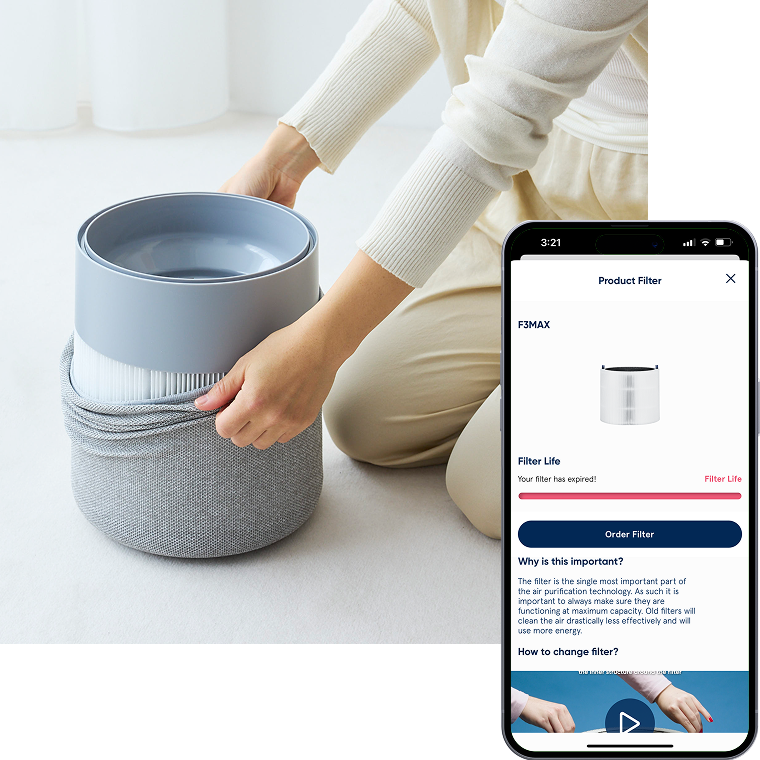
Stay ahead with automated filter reminders and easily reorder replacements, ensuring peak performance of your device.
Monitor indoor &
outdoor air quality
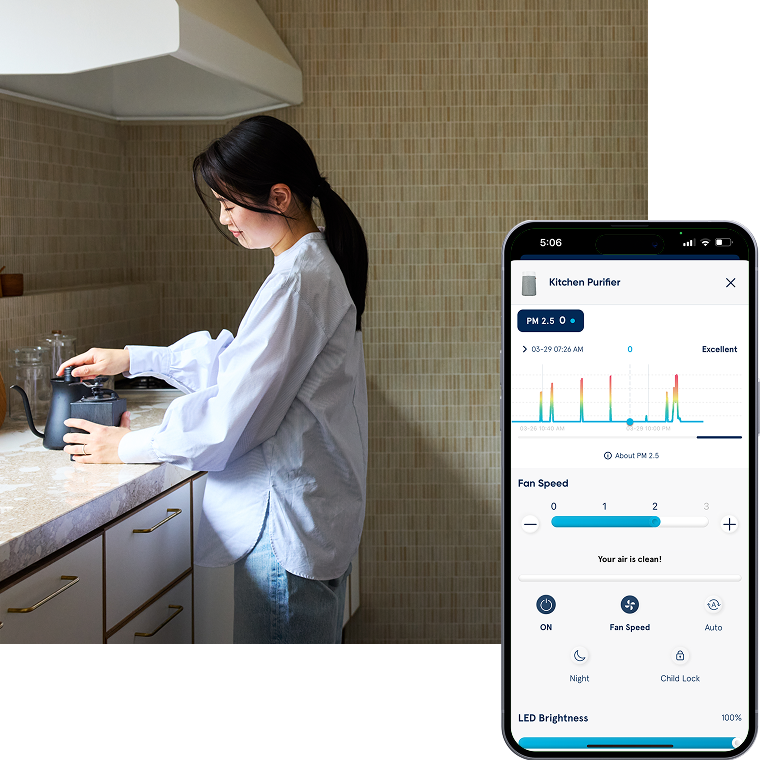
See real-time indoor and outdoor air quality at a glance with easy-to-read graphs.
Get smart alerts to adjust your purifier for the best air, always.
4.8 Stars
●8,000+ Reviews
Joe
Heather
Why should I download the Blueair app?
The Blueair app makes it effortless to monitor and control your devices from anywhere, so you can breathe easier at home and beyond.
Get real-time air quality updates, set schedules, and optimize your device's performance with just a few taps.
What can I do in the Blueair app?
Turn your device on or off remotely, adjust fan speeds and modes to match your needs, and monitor real-time air quality insights to stay informed about pollutants in your home.
The app also allows you to set schedules so your purifier runs automatically when you need it most and sends filter change alerts to keep your device running at peak performance.
How do I connect my device to the Blueair app?
Connecting your purifier is simple. First, plug in and power on your device.
Then, download the Blueair app from the App Store or Google Play, log in or create an account, and tap “Add Device.”
Follow the on-screen instructions, ensuring your phone is connected to a 2.4GHz Wi-Fi network.