Skip to content
Early Holiday Deals are LIVE - Shop up to 50%

Menu

Search

Your cart

Your cart is empty.

Start shopping
Home / 2-in-1 Pro Purify + Humidify Replacement Filter

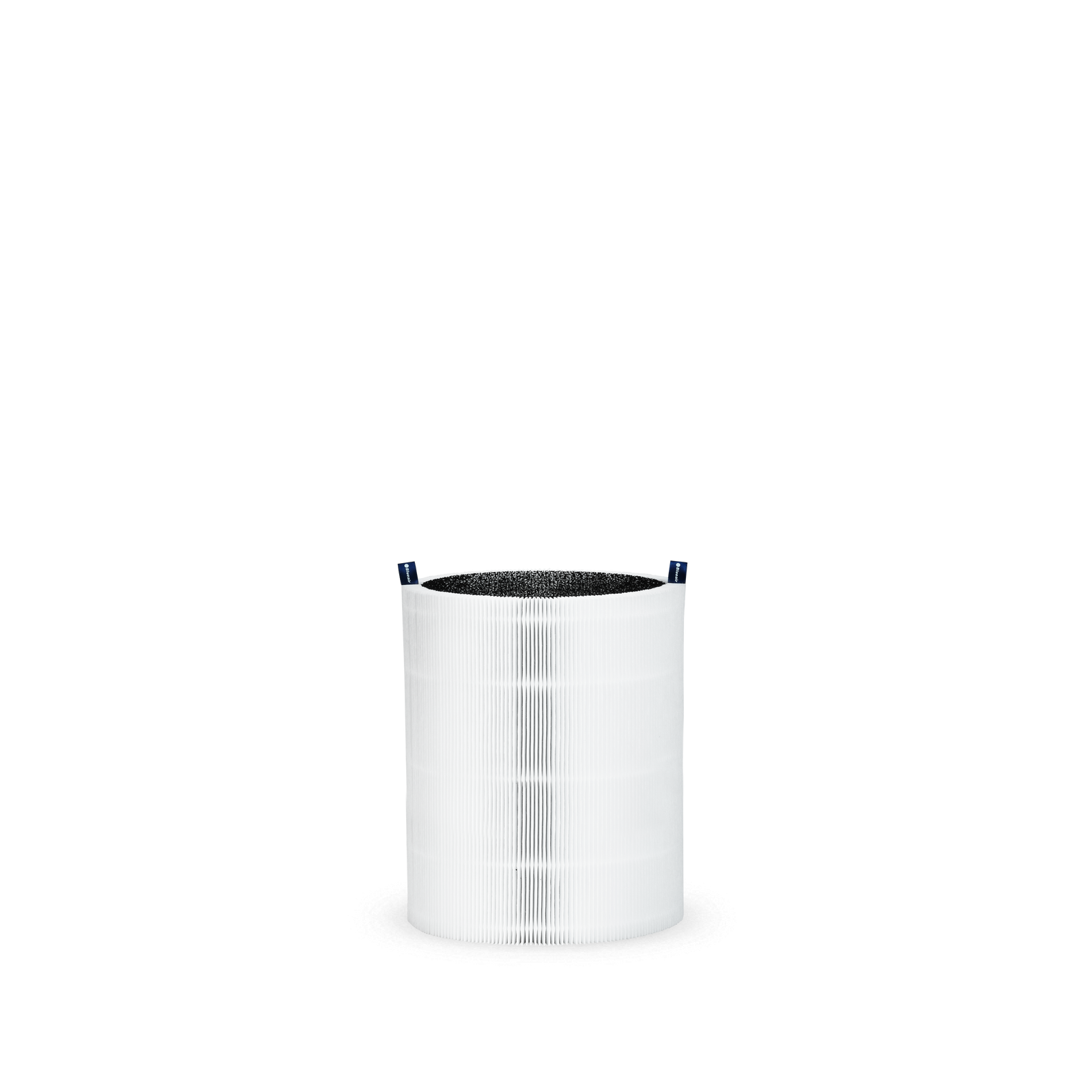
2-in-1 Pro Purify + Humidify Replacement Filter

2-in-1 Pro Purify + Humidify Replacement Filter

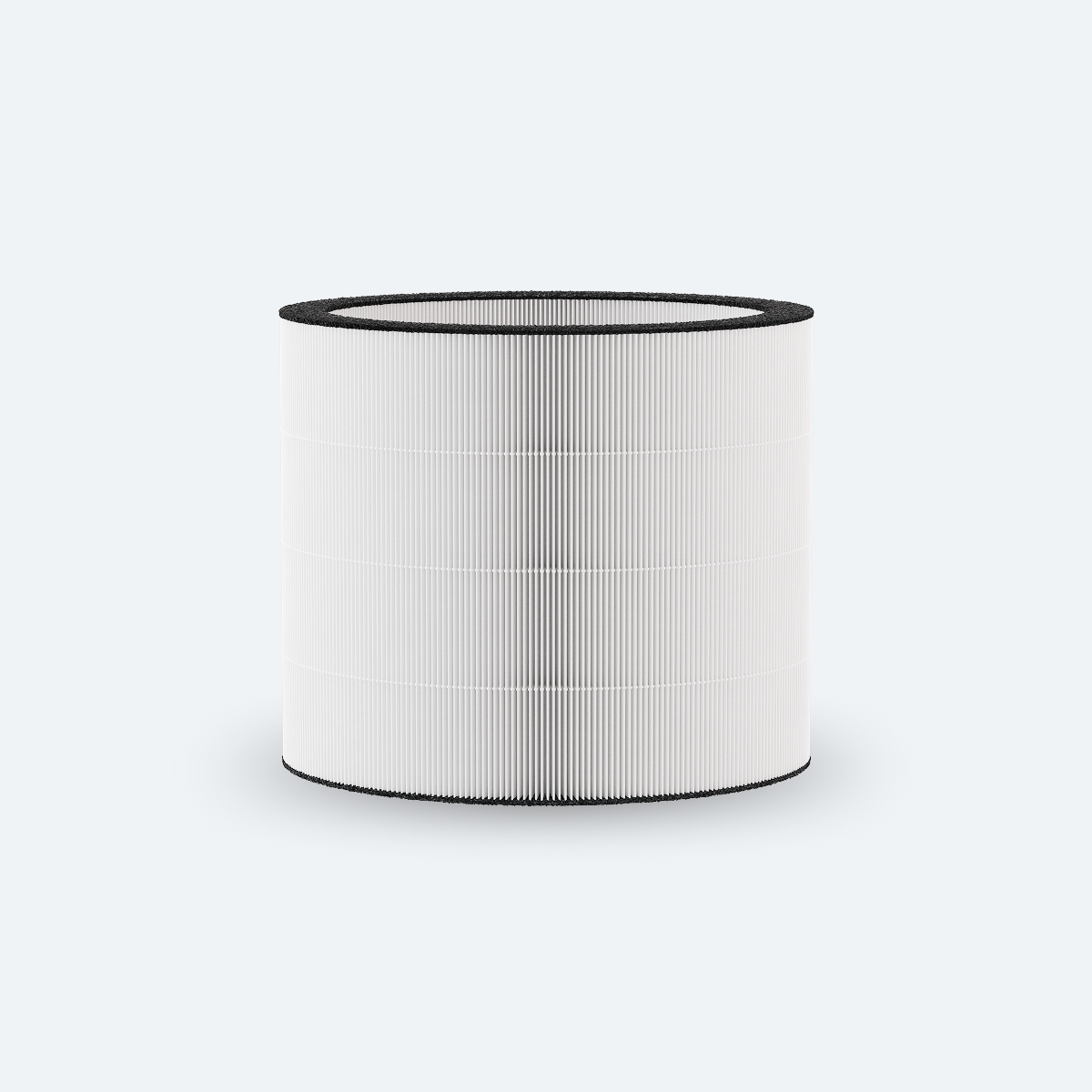
Keep your 2-in-1 Pro cleaning at its best with a Particle + Carbon filter designed to capture airborne pollutants and tackle everyday odors.

Designed for

2-in-1 Pro Air Purifier + Humidifier

Great for -

Dust, pollen, pet dander, smoke & everyday household odors

One-time purchase $54.99
Purchase options

  • Free & fast shipping
  • 30 day home trial
  • Free extended warranty
Why you’ll love it

Powerful particle and odor filtration with smart tracking that makes maintenance simple.

  • Captures dust, pollen, pet dander & smoke
  • Helps reduce everyday household odors
  • Lasts approximately 9–12 months
  • Tracks remaining filter life
  • Device and app alerts help you know when to replace
  • Up to 1-year
filter lifetime
  • Machine washable
  • App replacement alerts
  • Quick & easy filter
changes
Features & Technologies

  • Particle + Carbon filter captures airborne particles and helps reduce everyday odors.
  • HEPASilent™ Technology removes up to 99.97% of tiny airborne particles.
  • Activated carbon helps tackle smoke and household odors.
  • RealTrack™ Technology tracks remaining filter life.
  • Up to 1-year filter life means fewer routine replacements.
  • Device + app alerts let you know when it’s time for a fresh filter.

Cleaner air starts with a fresh filter

Works with HEPASilent™ Technology to remove up to 99.97% of tiny airborne particles while carbon filtration.

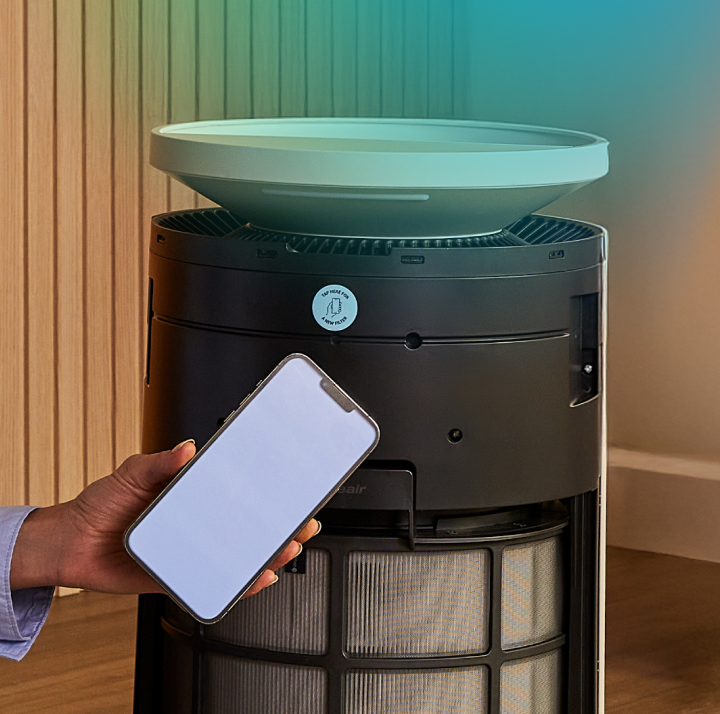
Know when it’s time to replace

RealTrack™ monitors filter life and alerts you when it’s time for a fresh filter, with remaining life available in the Blueair app.

Smart filtration,
you can trust

FAQ

Washing the Wick filter

Plus Minus

The wick filter may develop a white/yellow buildup or slight odor after some use. Mineral deposits and other debris, that originated in the water used to fill the humidifier, that have been trapped by the wick filter cause this buildup and staining 

 Your wick filter should be cleaned once a month following the below steps. 

  • Remove the wick filter from the filter cage and rinse the wick filter under running water to quickly remove residue. 
  • For a deeper clean, soak the filter in a mild or acid cleanser. 20g citric acid for every 1L of water for 1 hour. After soaking, rinse well under running tap water according to the instructions in the user manual. 

How often should I replace the wick filter?

Plus Minus

The wick filter should be replaced every 6 months. It should be cleaned weekly when in use according to the instructions in the user manual to maintain optimal performance. 

 Important! When the wick filter is replaced, the Filter Expire Indicator must also be reset. To reset your Filter Expire Indicator: 

  • Extra long-press the fan speed button for about 15 seconds until LEDs on the interface light up, then release.If done correctly, the wick filter replacement indicator will blink three times and then disappear 

How can I clean the water tank?

Plus Minus

The water tank on the device can be cleaned either in the sink by using tap water and a mild detergent, or by placing in your household dishwasher. Wipe the water tank dry before reassembling. 

The water tank should be cleaned once a month. 

Why does the Humidity reading not match another hygrometer in my house?

Plus Minus

Humidity readings may differ slightly between your Blueair humidifier and other hygrometers. There are many factors that can affect the humidity reading, humidity sensors can vary by ±5% or more depending on: 

  • Sensor quality 
  • Placement (near windows, vents, or doors) 
  • Height from the floor 
  • Proximity to the humidifier output 

For best accuracy: 

  • Place sensors away from direct airflow 
  • Avoid placing them right next to the humidifier 
  • Allow several hours for readings to stabilize after adjustments 

Small differences between sensors do not necessarily indicate a performance issue. 


Does Blueair ever release product updates/fixes?

Plus Minus

The Blueair team is always working to improve our products and customer experience. To make sure your product ha sall of the latest firmware updates, please connect the device to wifi using the Blueair app. When firmware updates are available they will be automatically sent to all connected devices.

Reviews

No reviews yet.

You might also like

Product image

2-in-1 Pro Purify + Humidify Replacement Filter