Blue Pure




How to Use Videos
Blue Pure Troubleshooting
My Blue filter has a smell
As with any new product, a slight odor may be noticed that is inherent to the material. While we have optimized our manufacturing processes to minimize new product smell, in rare cases some smell is still noticeable.
New Product or Replacement Filter:
- New products may emit an odor when opening the box, that is normal.
- All materials have their own smell, including filter materials. Many filters are packaged in a plastic bag and a cardboard box, and the smell from the product is accumulated inside. The smell from filter media is harmless.
- Run your air purifier and ventilate your room to air out the air purifier and its filter to reduce the new filter odor faster.
- You may also place the new filter by an open window before using it or run your air purifier in a room where you spend less of your time, just for a few days until the odor fades away.
Any questions, please reach out to our Customer Support teams.
Used Filter / Filter used in strong odor environment:
- When the filter is full and gets saturated it can start to release a smell, and we recommend replacing it.
- Blue air provides an average expected lifetime of the filter which varies between products. However, the expected filter lifetime can be highly dependent on the environment the air purifier operates in which could require more frequent replacement.
Note: it is not possible to remove all odors, ventilation in addition to running the air purifier will help get rid of new product odors.
Change brightness on the Blue Pure & Blue auto purifier display
The light on Blue Pure and Blue Pure Auto purifiers will dim on its own after 3 minutes of being on. The Night Mode on Blue Pure Auto units (only) will dim the lights along with putting the fan speed on low.
Blue Pure Auto purifier is stuck on the high-speed level / Display light is orange or red.
*Only applicable to Blue Pure Auto models*
To resolve you will need to clean the sensors on the purifier. See the steps below:
1. The sensors are behind the two parallel slots on the top white part of the machine.
2. Clean out the sensors by using a can of compressed air to spray 3-4 second bursts into the holes.
Turn lights on/off on Blue Pure & Blue Auto purifier?
The light on Blue Pure and Blue Pure Auto purifiers will dim on its own after 3 minutes of being on. The Night Mode on Blue Pure Auto units (only) will dim the lights along with putting the fan speed on low.
User Manuals & Replacement Filters
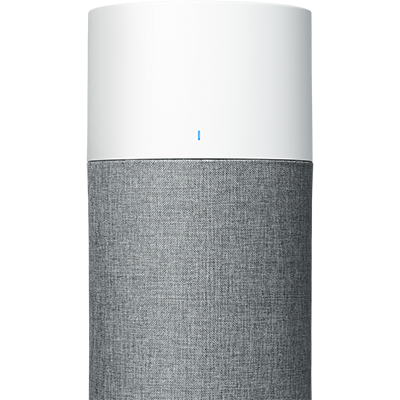
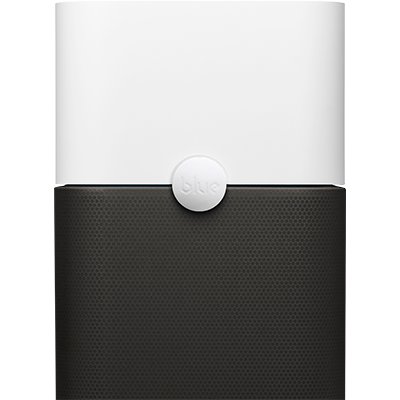
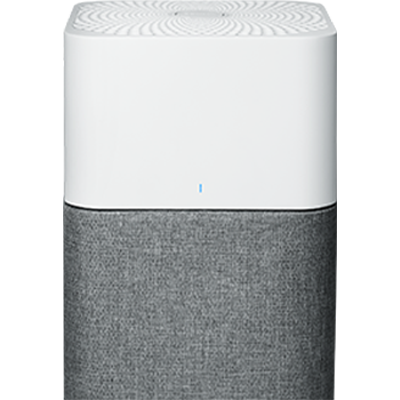
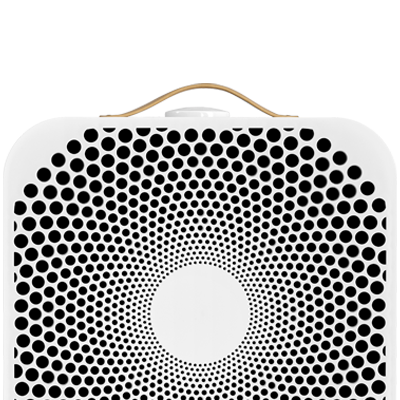
Blue Pure FAQ
I need the user manual for my Blue Pure & Blue Auto purifier
To view the user manual for Blue Pure and Blue Auto units, please follow this link and scroll down to the Specifications & Instructions section, then click on the user manual for your corresponding model.
https://support.blueair.com/faq/s/topic-blue?language=en_US
Frequently Asked Questions About Blueair Manuals
Q: Where can I download my Blueair manual if I’ve lost the printed copy?
A: All Blueair manuals are available as free PDF downloads from the official Blueair website. Select your model (411 Auto, 311 Auto, Blue Pure 211, etc.) to access the direct download link. You can also find manuals in the Blueair app under Settings > Support.
Q: How do I set up my Blueair air purifier without the manual?
A: Basic setup:
Remove the filter from the plastic bag
Insert the filter into the unit with the arrow pointing up
Plug in the unit and press the power button
For Auto models, the sensor calibrates automatically over 7 days. Detailed instructions are available in the model-specific sections.
Q: Are Blueair 411 and 411 Auto manuals the same?
A: No. The 411 Auto includes additional instructions for the particle sensor and auto mode features, while the standard 411 has manual-only controls. Download the correct manual for your specific model.
Q: How do I know when to replace my Blueair filter?
A: Auto models display a filter indicator light when replacement is needed (typically after 6 months)
Non-Auto models: replace every 6 months with average use, or every 3 months in high-pollution areas
Check your manual for model-specific LED indicators.
What type of filters are used in the Blue air purifier?
The Blue air purifiers use one main filter and one pre-filter:
Main filter
- The standard main filter is a Particle filter with a Carbon mesh for particle removal and gas reduction.
- SmokeBlock filters can be used as replacement filters in Blue air purifiers, instead of the standard Particle + Carbon filters. The SmokeBlock filters offer extra protection against wildfire smoke particulates and emissions (toxic gasses, smog and odors), in addition to protection against airborne particles (dust, smoke, pollen).
Pre-filter
- The pre-filter is a fabric personalizable pre-filter that can be vacuumed and washed in the washing machine regularly (washing instructions can be found on the label of the pre-filter). The pre-filter catches large particles and protects the main filter inside the air purifier.
What are the specifications of each model (room size, weight, noise levels, energy consumption, etc.)?
Go to www.blueair.com and select a model to check the specifications and performance of the device.
How often should I change the main filter of my Blue air purifier?
Blueair recommends to change filter after six months of use. If you use your air purifier in a highly polluted environment, you may need to change filter more often.
A red light appears on the air purifier to indicate when it is time to change the filter, after 6 months of operation.
Does the Blue air purifier have an Auto Mode?
The Blue 411 Auto, 311 Auto and 211+ Auto air purifiers have integrated particle sensors to detect and indicate the particles levels in the room
In Auto Mode, the air purifier is always running at the perfect speed needed to maintain the purity of the air:
- Automatically adjusts the airflow according to PM2.5 levels
- Allows efficient speed operation, the fan increases progressively to the right speed based on the PM2.5 readings and slows down when the air is clean again.