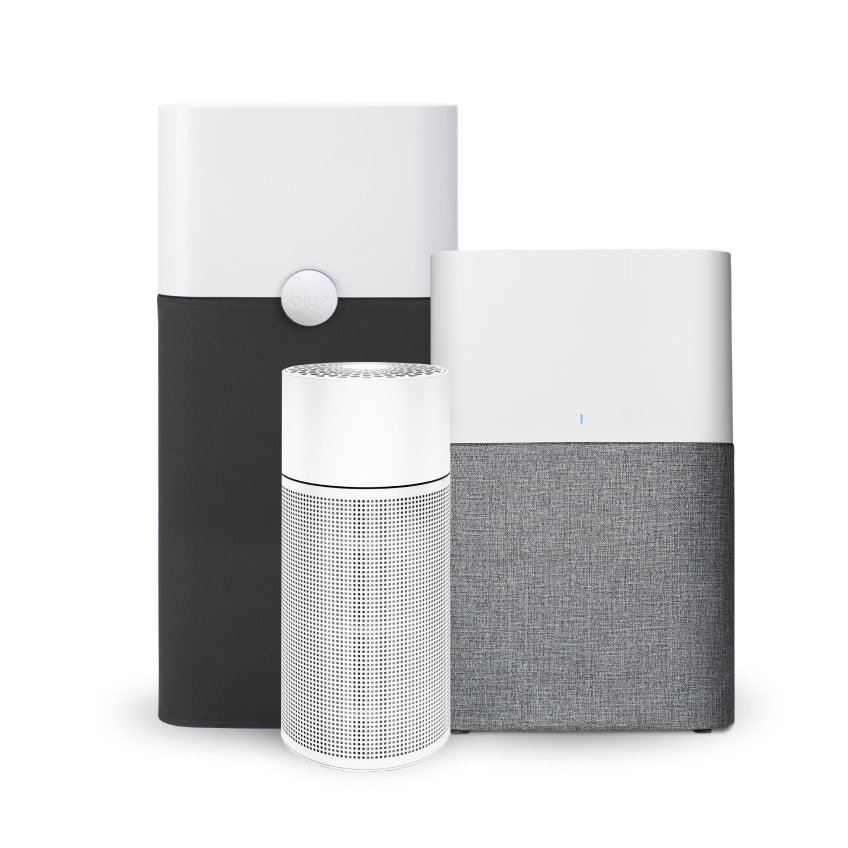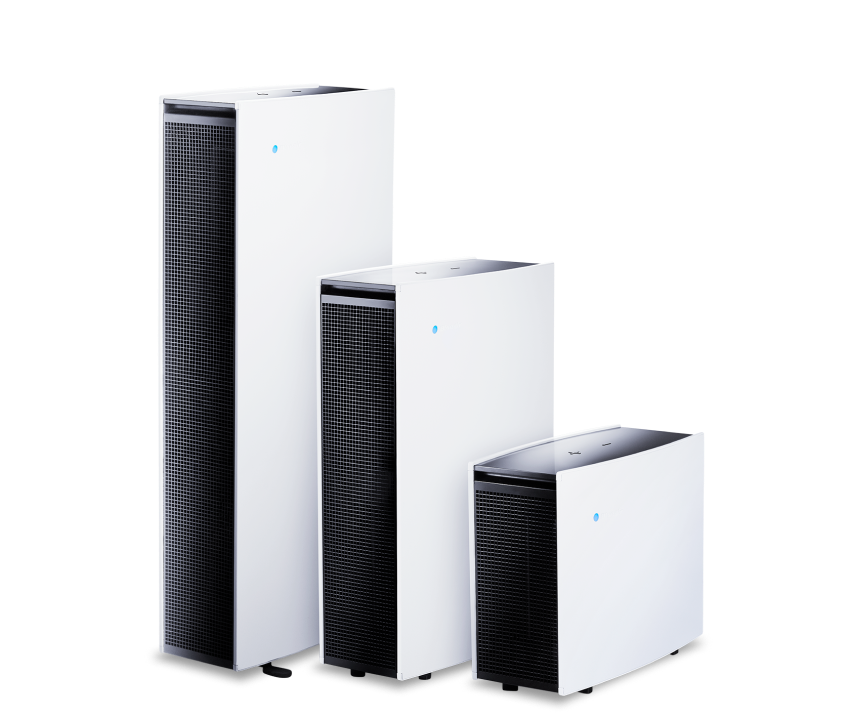
Pro

User Manuals & Replacement Filters
Pro FAQs
Which filters do I need for my Pro purifier?
To confirm the air purifier model name or to find out which filters are compatible with your unit, check the product label located at the bottom of the air purifier.
Once you know your model number, you can go to https://www.blueair.com/us/air-purifier-filters. Scroll down and select the model you have. All compatible filters and pre-filters will then be displayed. You can then click and order your filter as needed.
How do I reset the red light (filter light indicator) on my Pro purifier?
When the red circle on the display is shown, it is time to replace the filter.
To reset the filter timer, switch on the unit and hold your finger on the red circle until it disappears.
How to reset video
My Pro purifier will not turn on
Turn off and unplug the air purifier
Check the power cable: If the power cable is damaged, contact the Customer Support. If your air purifier has a removable power cable, plug the cable firmly into the power cable socket on the air purifier.
Make sure that there are no objects or dust around the air purifier and the filter
Plug the power cable firmly into an outlet.
Change brightness on my Pro purifier display
The lights on the Pro family of purifiers cannot be turned off or dimmed.
Turn lights on/off on my Pro purifier?
The lights on the Pro family of purifiers cannot be turned off or dimmed.