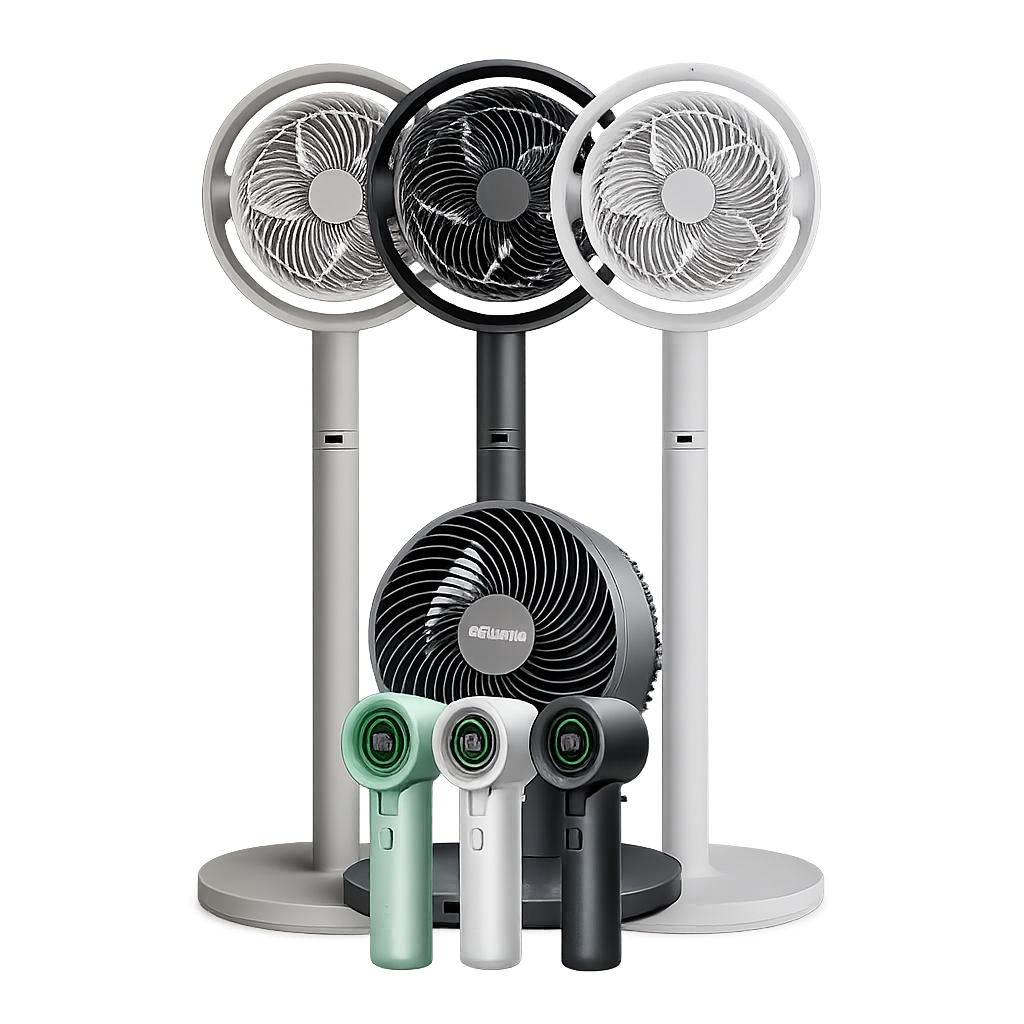
Fan
User Manuals & Replacement Filters
Handheld Fan FAQs
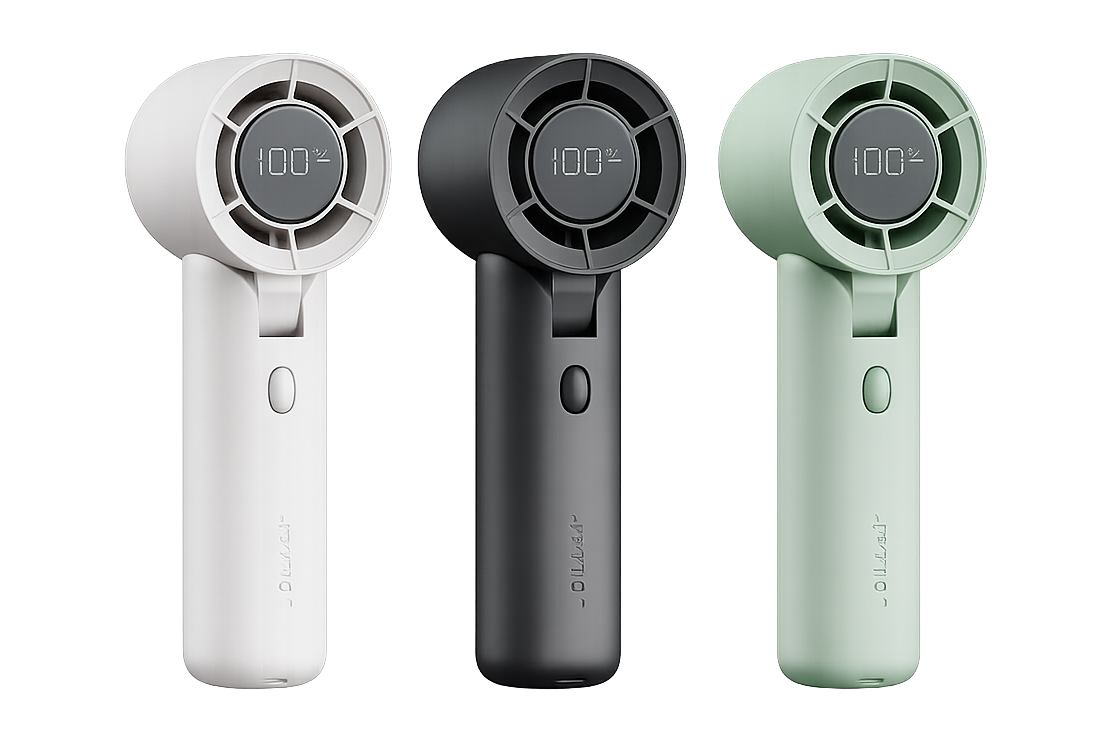
Where should I store the Handheld Fan when its not in use?
Somewhere cool, dry, and out of direct sunlight, a closet or drawer indoors is ideal. Avoid hot cars, attics, and unheated garages or damp basements, since heat and humidity both shorten battery life.
Why does the Handheld Fan battery need a charge if the fan is off?
Rechargeable batteries slowly lose charge on their own, even when the fan is switched off and not in use. If a battery is put away with little or no charge, it can keep draining until it drops below the level it needs to accept a charge again. A battery left in that state for many months may no longer charge at all. Starting at about 50% gives it enough reserve to sit safely between top-ups.
How should I store my Handheld Fan when I won't be using it for an extended period?
Charge the battery to about 50% before you put it away for any extended period of time (longer than 1 month), then store it in a cool, dry place. Half charge is best for long-term storage, it's enough to ride out months of natural self-discharge without the extra wear that comes from storing a battery at full charge for long stretches
How Quiet is the Handheld Fan?
Very quiet for its size. Aerosilent™ technology combines a brushless DC motor with a fan configuration specifically chosen to minimize noise from every source — not just the motor, but airflow and blade movement too, which are actually the main contributors to fan noise. The result is a fan designed to run noticeably quietly across all speed settings.
Can I use any USB cord and power plug to charge the handheld fan?
We recommend using the included charging cable as it is certified for use with the device. When plugging the cord into a power plug that is inserted into a wall outlet, please be sure to only use a 5V output power plug.
Tabletop Fan FAQs
I hear a slight creaking or clicking sound during oscillation from my tabletop fan. Is that normal?
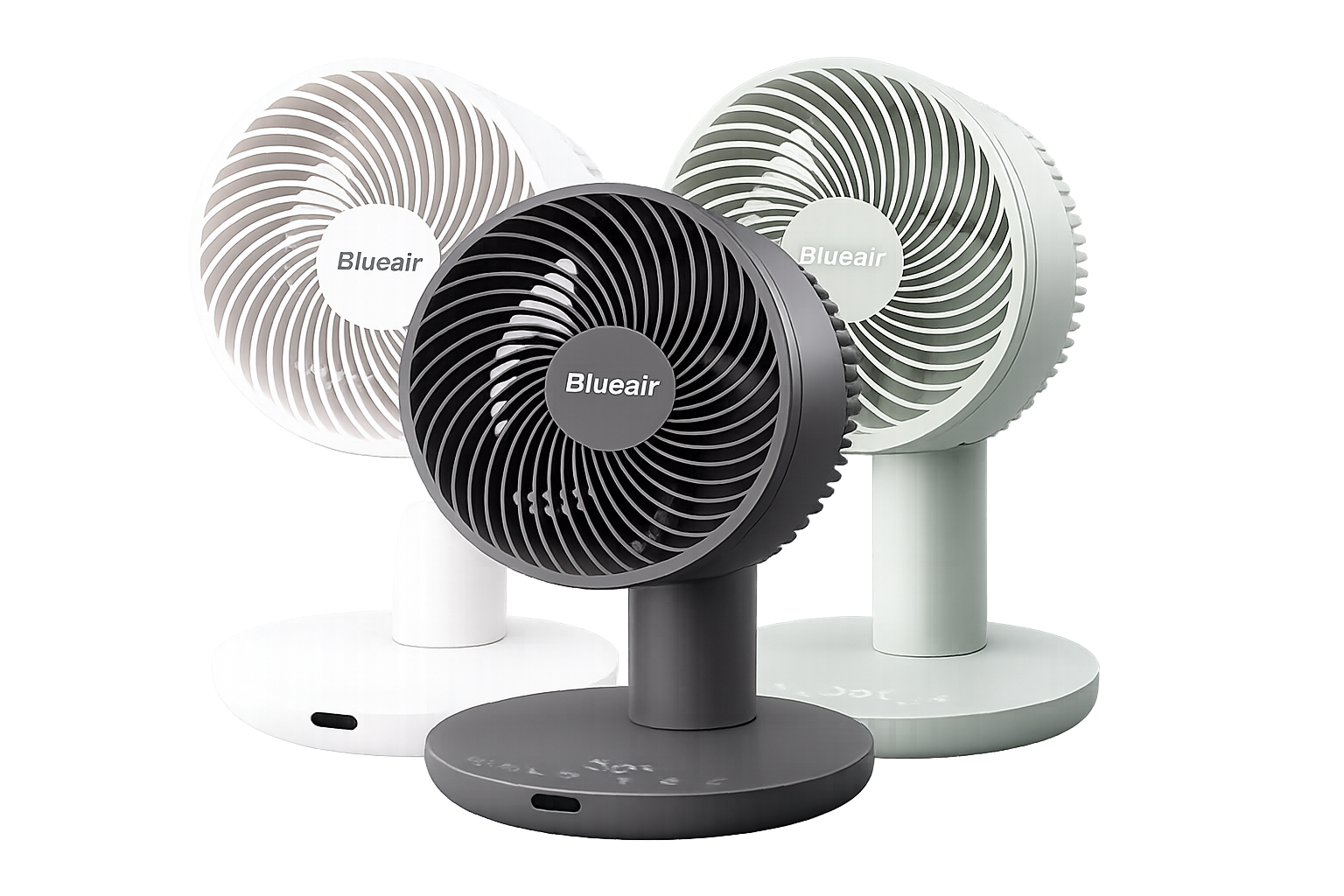
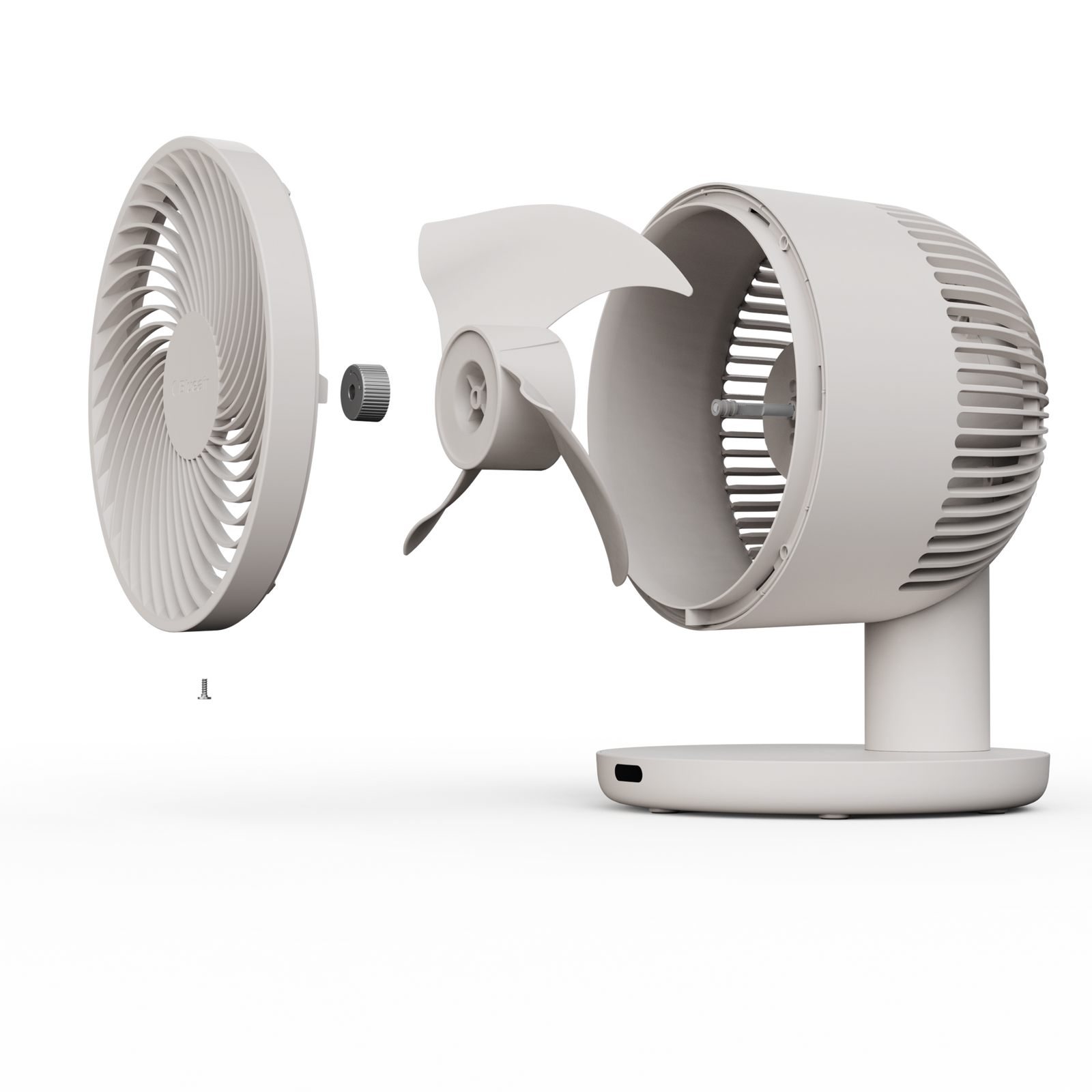
A very faint sound at the end of an oscillation sweep can occasionally occur, it is normal and occurs as the motor reverses direction. If the noise is more prominent, turn off and unplug the tabletop fan, then check that the front grille is properly seated and the blade nut is fully tightened. Make sure the fan is placed on a stable, level surface. Additionally, you can narrow the oscillation angle range.
Do I need the app to use the tabletop fan?
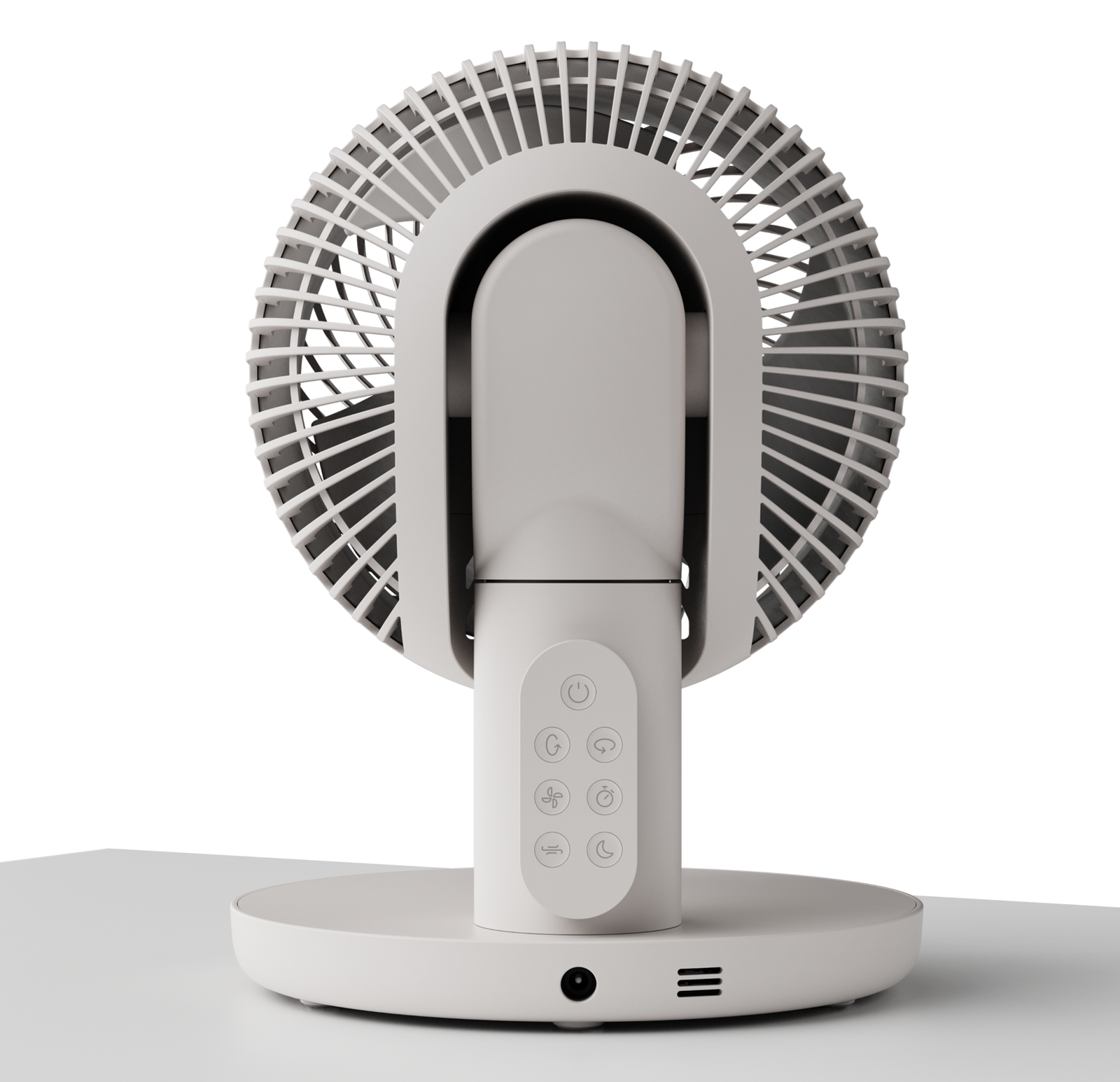
No the tabletop fan is fully functional using the base controls and/or the included remote control. The Blueair app unlocks additional features including custom oscillation settings, display brightness adjustment, loop oscillation, extended timer options (1–12 hours), and scheduling.
What type of battery does the Tabletop Fan remote use?
The Fan remote control comes from the factory with a CR 2025 (3V coin cell battery) pre-installed. Before the first use of the remote, remove the plastic pull tab from the bottom of the remote. Do not substitute a CR 2032 — it is slightly too large and the cover may not close properly.
How do I open the Fan remote battery compartment?
Use the included Allen key to press into the small opening on the back of the remote. Then remove the battery cover by sliding the battery compartment door toward the bottom of the remote. After exchanging the battery, slide the cover back on until it clicks securely. When installing a new battery, insert the battery positive side up.
Does the remote attach magnetically to the tabletop fan?
The remote magnetically attaches to the rear post of the fan for convenient storage. Place the remote, oriented vertically, on the flat surface on the rear of the post to attach it.
Pedestal Fan FAQs
The Pedestal Fan turns on by itself when I plug it in. Is this normal?
Yes. The fan resumes its last active state when power is restored. If it was running when unplugged, it will turn onagain when plugged in. To have it start in a standby state, turn it off using the app, Halo, or remote before unplugging.
The Pedestal Fan Halo control button and remote have both stopped responding.
Display Lock is likely active. When enabled, it disables both the on-device controls and the remote to prevent accidental changes. To deactivate it, press and hold the power button on the Halo for 2 seconds. If the remote is also locked out, you'll see the LED on the fan head flash red when you press remote buttons — that's the indicator that Display Lock is on. Once unlocked, the LED flashes blue to confirm remote inputs.
The Pedestal Fan Halo control doesn't respond when I tap it.
The Halo control dims after 15 seconds of inactivity. The first tap anywhere on the ring wakes it up — this tap does not trigger any function. Once icons are illuminated, a second tap on a specific icon performs that action. If taps still don't register, try pressing more firmly and directly on the icon center rather than at the edges. Also check that Display Lock is not active — when locked, the Halo and remote are both disabled.
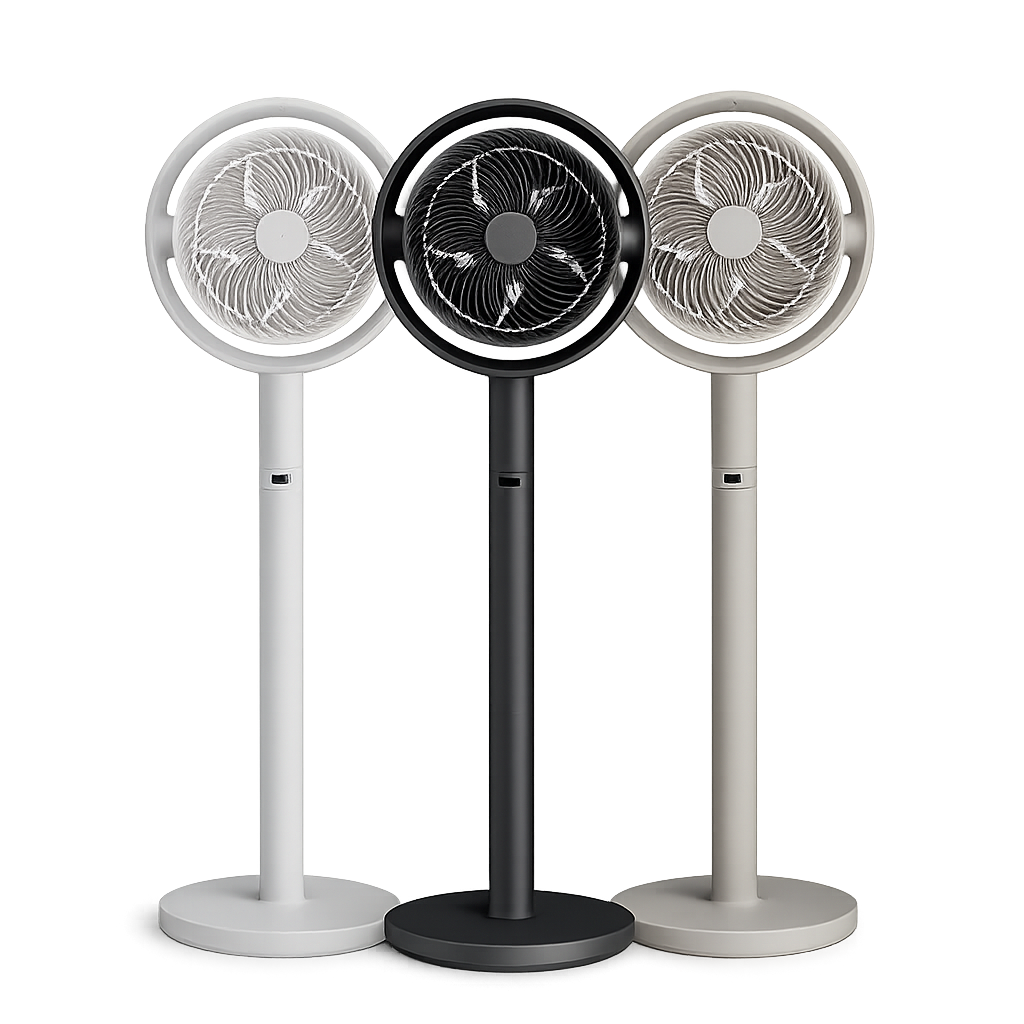
What are my options for controlling the Pedestal Fan?
There are three ways to control the fan:
-
Blueair app — connects via Wi-Fi and gives you the most precise control: custom oscillation ranges,scheduling, Auto Mode temperature thresholds, display brightness, and more.
-
Halo touch ring — the illuminated display on top of the fan. Tap once to wake it, then tap icons to adjust speed,toggle oscillation, switch modes, or turn the fan on/off. The display dims automatically after 15 seconds.
-
Magnetic remote control — an IR remote that stores magnetically on the back of the fan pole. Point it at the IRreceiver window on the front of the pole and press buttons.
My app shows the Pedestal fan as offline even though it's plugged in and running.
This most commonly happens after reassembling the fan at a different height, moving it, or after a powerinterruption. Unplug the fan, wait 10 seconds, plug it back in, and wait about 30 seconds. If it doesn't reconnect,fully close and reopen the app. If the problem persists, go to Settings in the app, select your fan, and choose toreconnect or re-add it.