Mini Restful




Mini Restful Troubleshooting
My purifier is too noisy. What should I do?
It’s normal for your purifier to sound louder at higher fan speeds, since the motor is working harder to move more air. If the noise feels excessive, try selecting a lower speed setting for quieter operation.
Another common cause of increased noise is reduced airflow from a clogged or dirty filter. When the filter is blocked, the fan has to work harder, which can create extra sound. To help keep your purifier running smoothly and quietly:
- Clean the pre-filter regularly to remove dust and debris.
- Replace the main filter according to the recommended schedule.
With routine filter care, you’ll maintain good airflow, reduce unnecessary noise, and get the best performance from your purifier.
Why is there a hatch icon on the display?
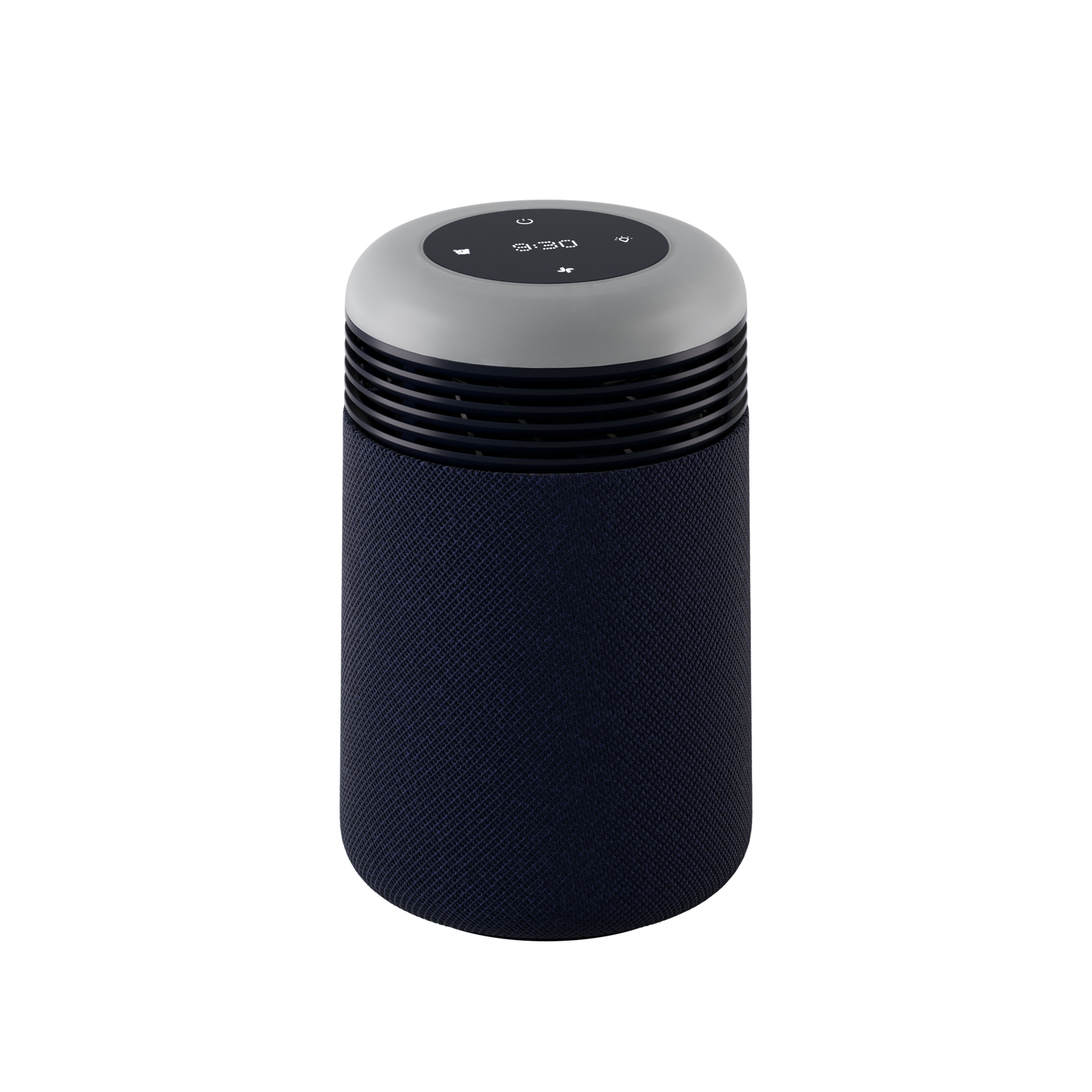
The hatch icon on the display indicates that it’s time to replace the filter.
How do I clean the pre-filter?
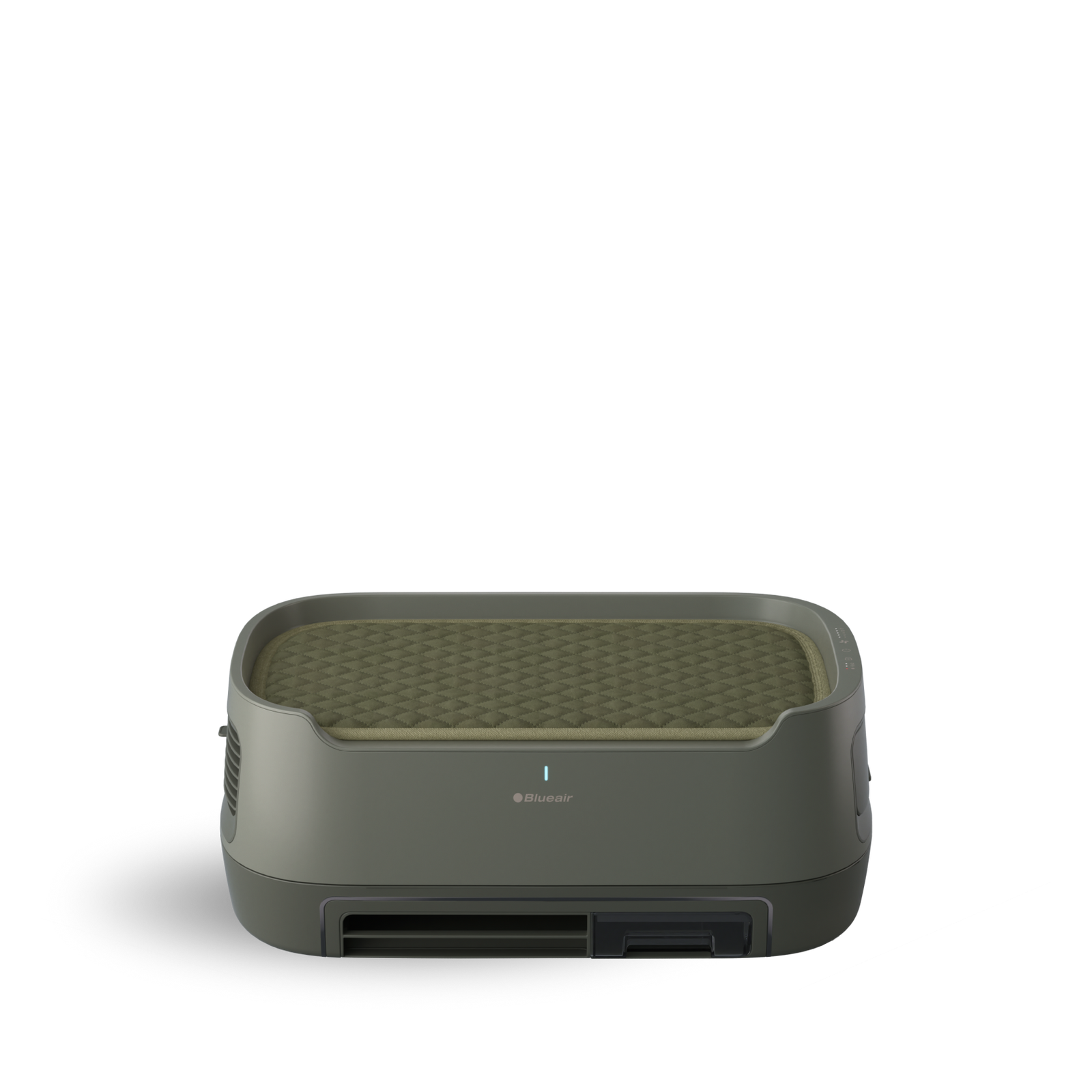
Vacuum it with a soft brush attachment or wash it according to the care label. When reinstalling after washing, make sure the logo tag is at the top and the USB-C charging port gap is properly aligned.
Is the filter washable?
No. The main filter is not washable or reusable- only the fabric pre-filter can be washed.
How do I replace the filter?
Unplug the unit, remove the pre-filter, unwrap and replace the main filter, then reset the filter indicator by holding the Fan Speed button for 15 seconds (or via the Blueair app).
User Manuals & Replacement Filters
Mini Restful FAQs
My purifier is too noisy. What should I do?
It’s normal for your purifier to sound louder at higher fan speeds, since the motor is working harder to move more air. If the noise feels excessive, try selecting a lower speed setting for quieter operation.
Another common cause of increased noise is reduced airflow from a clogged or dirty filter. When the filter is blocked, the fan has to work harder, which can create extra sound. To help keep your purifier running smoothly and quietly:
- Clean the pre-filter regularly to remove dust and debris.
- Replace the main filter according to the recommended schedule.
With routine filter care, you’ll maintain good airflow, reduce unnecessary noise, and get the best performance from your purifier.
Why is there a hatch icon on the display?
The hatch icon on the display indicates that it’s time to replace the filter.
How do I clean the pre-filter?
Vacuum it with a soft brush attachment or wash it according to the care label. When reinstalling after washing, make sure the logo tag is at the top and the USB-C charging port gap is properly aligned.
Is the filter washable?
No. The main filter is not washable or reusable- only the fabric pre-filter can be washed.
How do I replace the filter?
Unplug the unit, remove the pre-filter, unwrap and replace the main filter, then reset the filter indicator by holding the Fan Speed button for 15 seconds (or via the Blueair app).